 Skip to content

Click the blue button to log into your account.
If you have not logged in before, click the “forgot password” link below the password entry field to create a password.
1
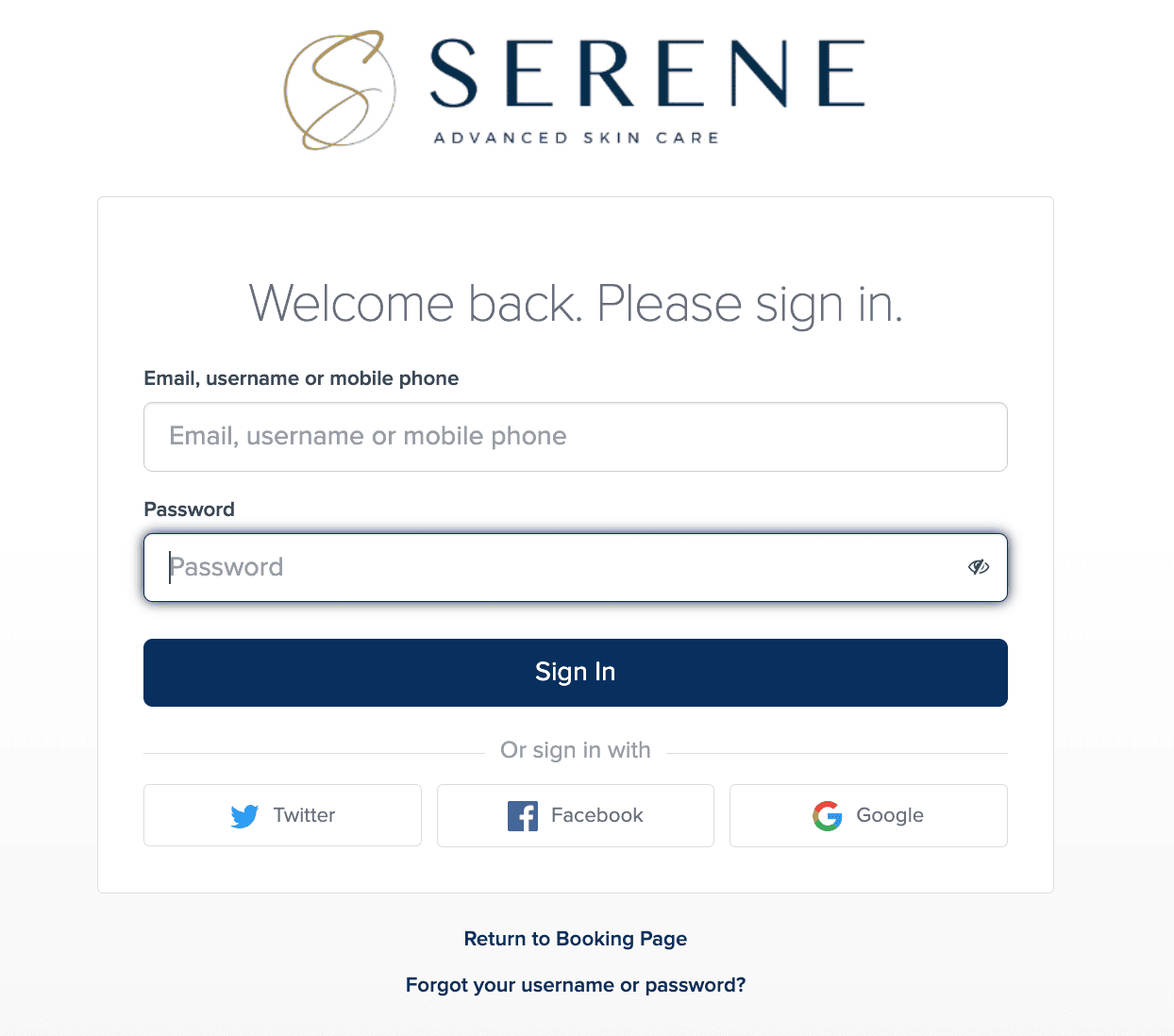
Enter your email or username
Type in the email or username you were provided by RegenCen. If you weren't provided a username, use the same email address you provided to RegenCen.
2
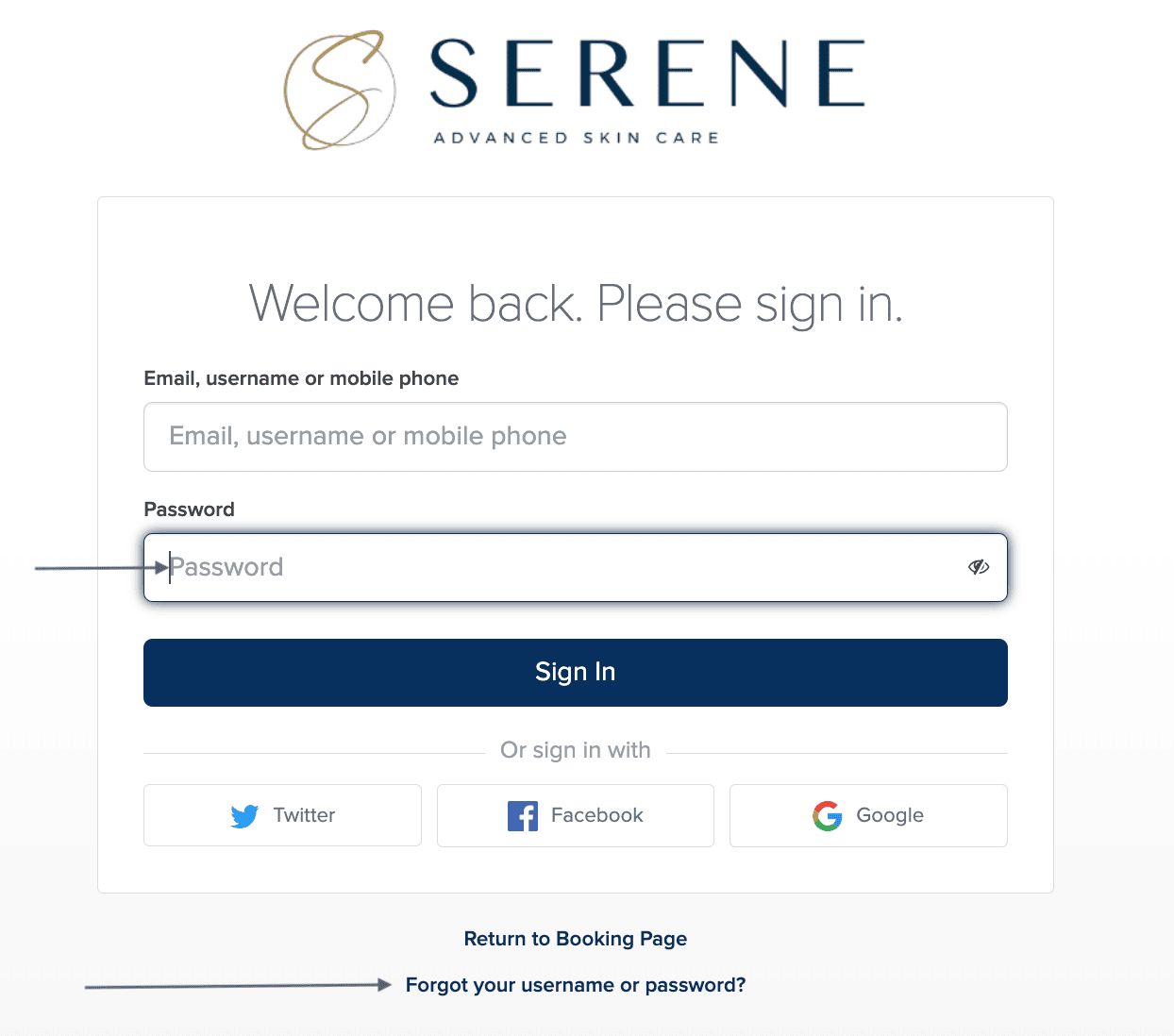
Enter your password
If you've logged in and created a password before, enter it in the password field.
If you have not logged in before, click the “forgot password” link below the password entry field to create a password.
3
View your results
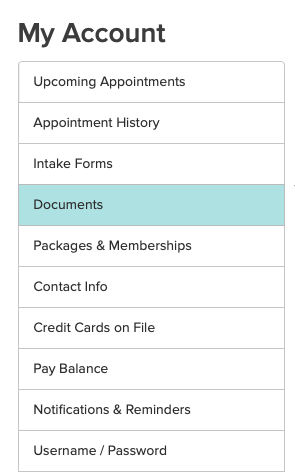
Once logged in, select "Documents" to view your hormone blood test results and notes.
On a laptop or desktop computer, you will see this documents link on the leftside panel.
If you are on a phone, click the 3-line menu icon at the top to bring down a drop-down menu. Look for the link "documents" in that menu.
*If you do not see your document, please text or call 904.853.6396.
Need to create a new account?
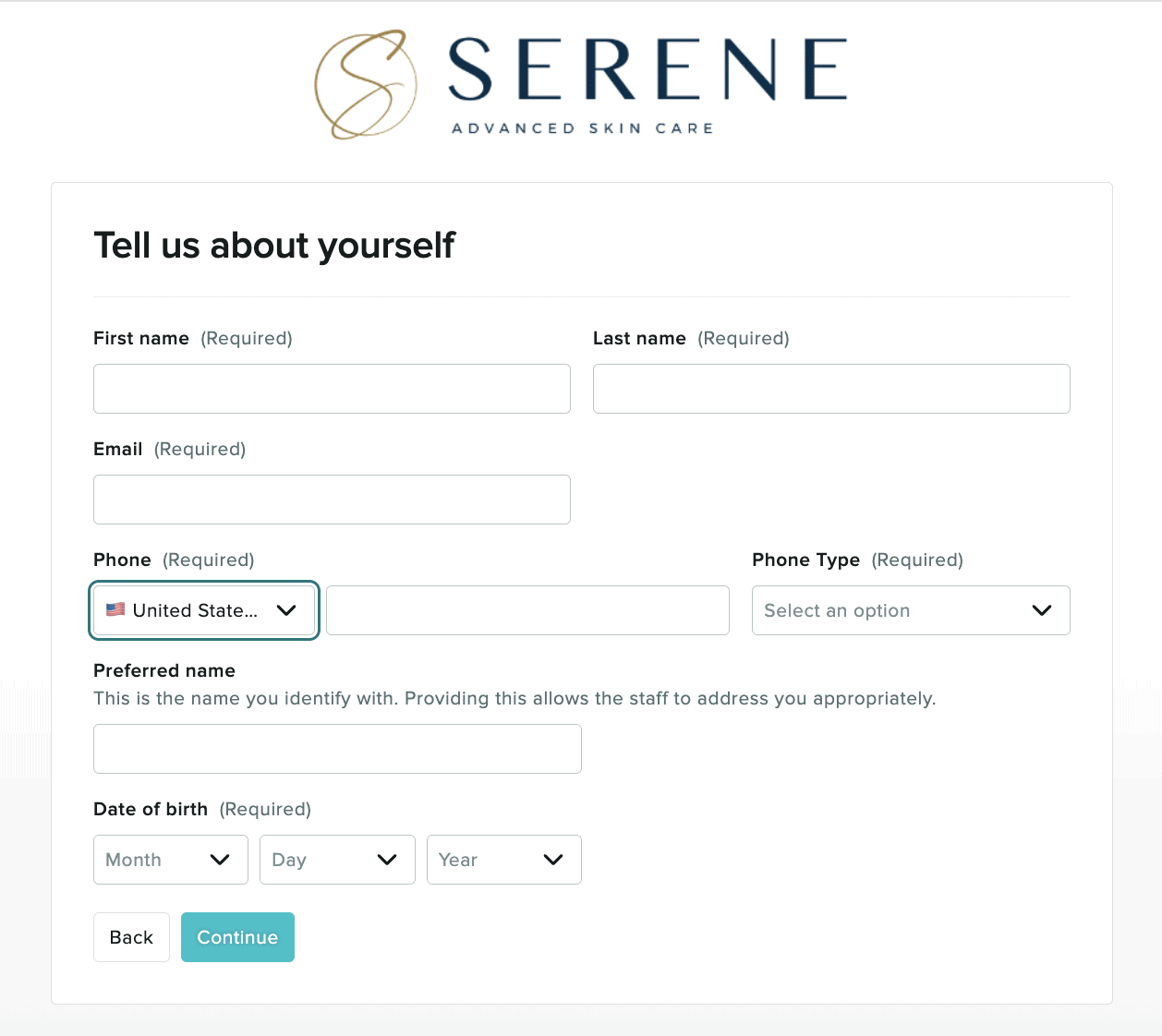
If you haven't created a username and password yet, click the "new to us? Create an account" link below the password entry field to create a new account.
Input and update your contact information to create your account and receive a username and password to use to login.
Ready to schedule your follow-up appointment?
Click the black button to book your follow-up appointment or another Serene | RegenCen service. You can also use the blue button to login in to see your hormone results.
Thank you for your trust. We value having you as our Serene | RegenCen patient and look forward to seeing you in the office again soon.
